Choose a product
Catalog work and listing tasks share the seller workspace.
A WB and Ozon seller workspace combines catalog work with content preparation. One editor brings the product image, copy and visual layout together.
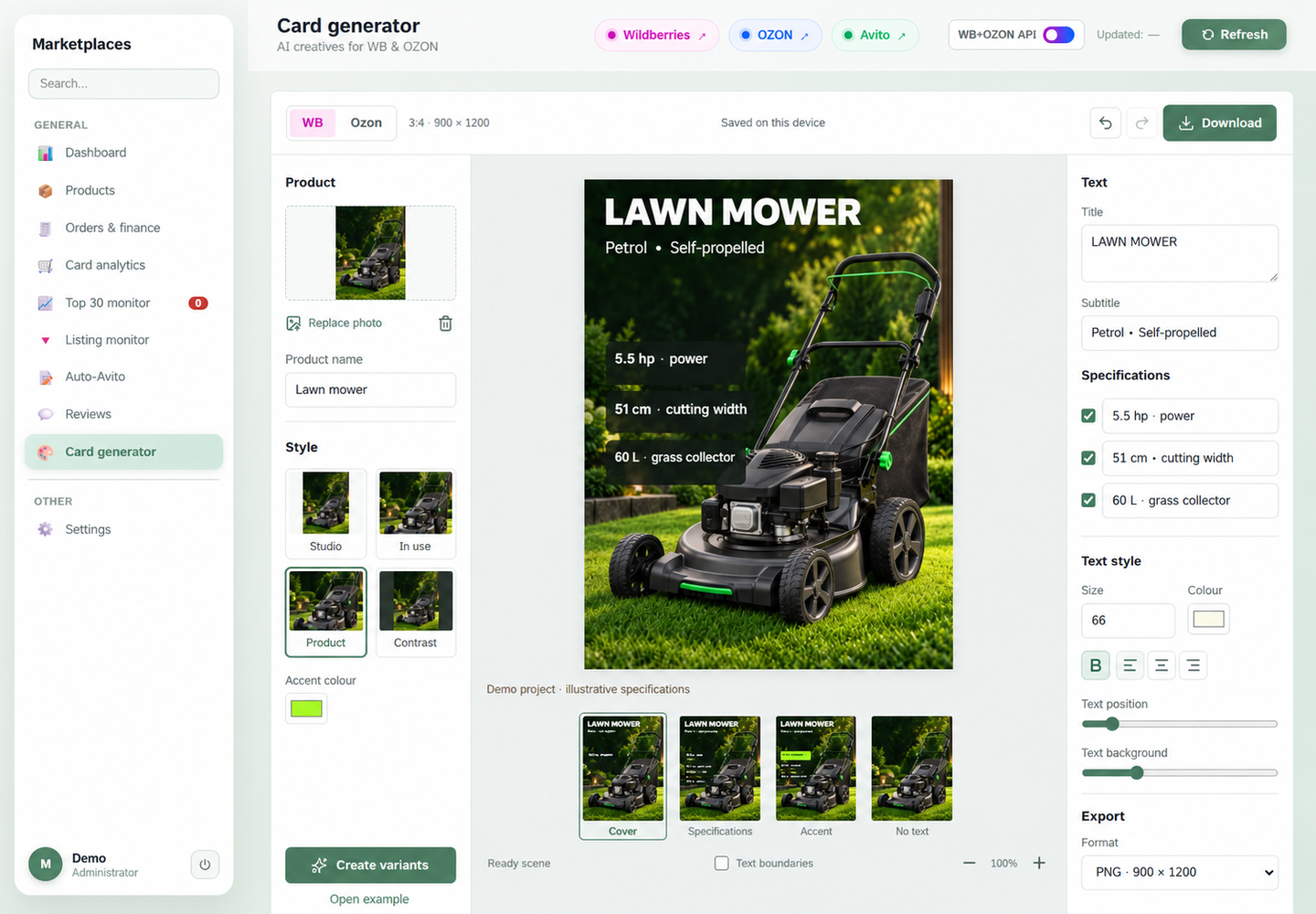
Bring a seller's daily work into one place: product range, orders, listing monitoring and image creation.
A listing image needs more than a suitable photograph: its headline, specifications and output size must also work together. These steps are arranged around one preview so a seller can refine a chosen variation into a finished asset.
Catalog work and listing tasks share the seller workspace.
Choose a visual treatment and generate image variations.
Edit the headline, specifications and text placement beside the preview.
Download the composition in the selected format for subsequent publishing.
The source product sits on the left, the listing image in the centre, and copy controls on the right. Each edit has a clear relationship to the image. A seller can check the headline, selected specifications and text legibility while keeping the full composition visible.
A generated variation is a starting point for refinement. The editor supports image replacement and changes to copy, colour, size and placement. Updating a specification or headline does not require recreating the entire visual, and the seller retains control over the content of the listing.
The editor belongs to the same workspace as the assortment, orders, monitoring and reviews. Listing content becomes part of the store's everyday workflow. WB and Ozon selection, image dimensions and export controls are available directly in the editing screen.
The product and visual treatments sit on the left, the preview in the centre, and copy on the right. This English demonstration preview uses generated product imagery and fictional specifications.
Specification fields, typography controls and the export format share the right panel. This is a closer reading of the same demonstration screen: review the content, then prepare the asset for download.
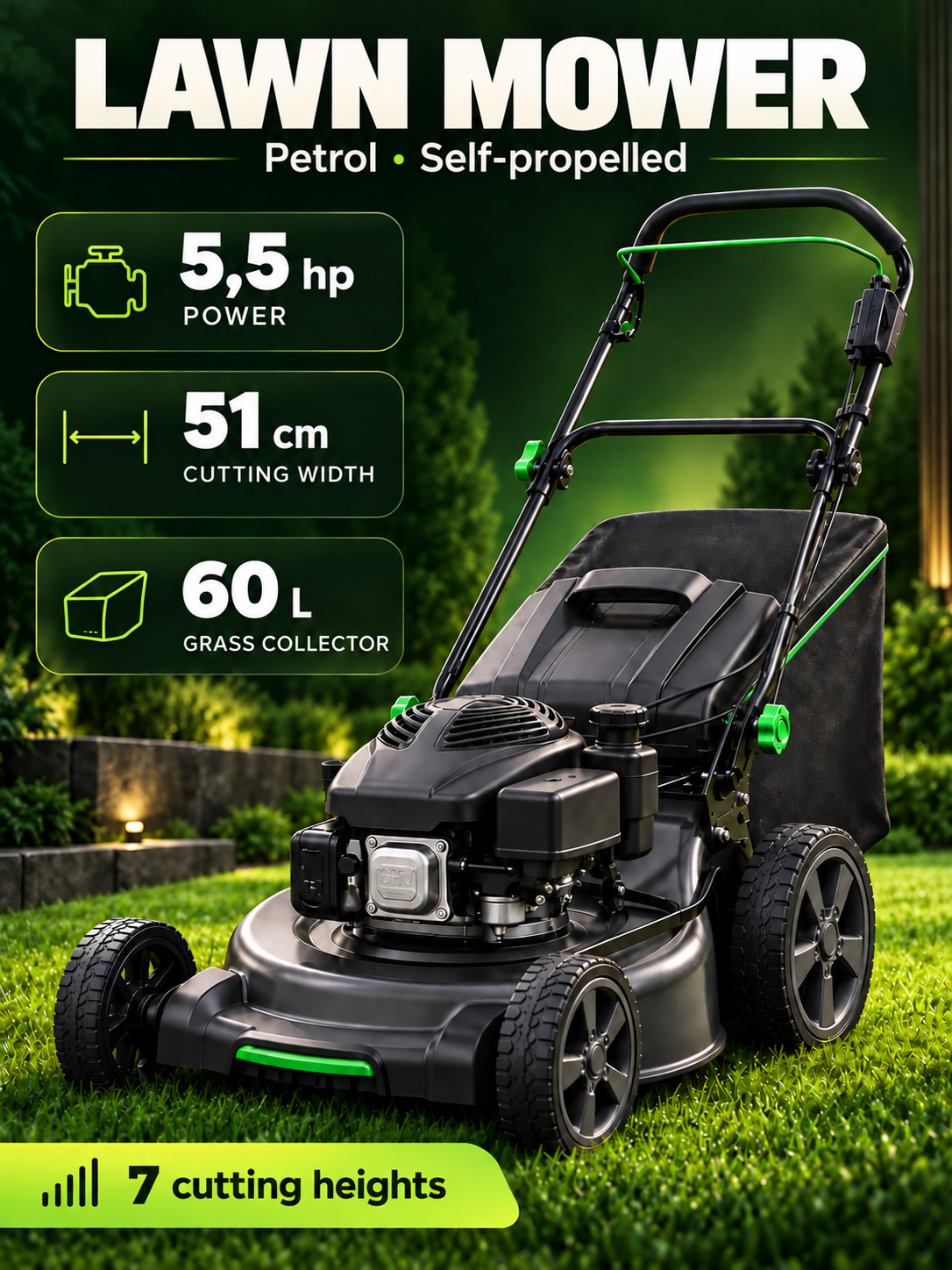
A photograph, headline and key product properties form one visual asset. This is a demonstration output with generated imagery and fictional copy and numbers, rather than a published client listing.
Implemented a seller workspace and listing content editor, covering visual selection, manual refinement and export. The portfolio uses demonstration product imagery and fictional specifications; it does not show seller account data or sales results.
Discuss a similar projectUseful for marketplace listings, product catalogs and branded image tools that need visual variations and precise manual editing.
Project under NDA. The image contains no sales data, accounts or seller identifiers.
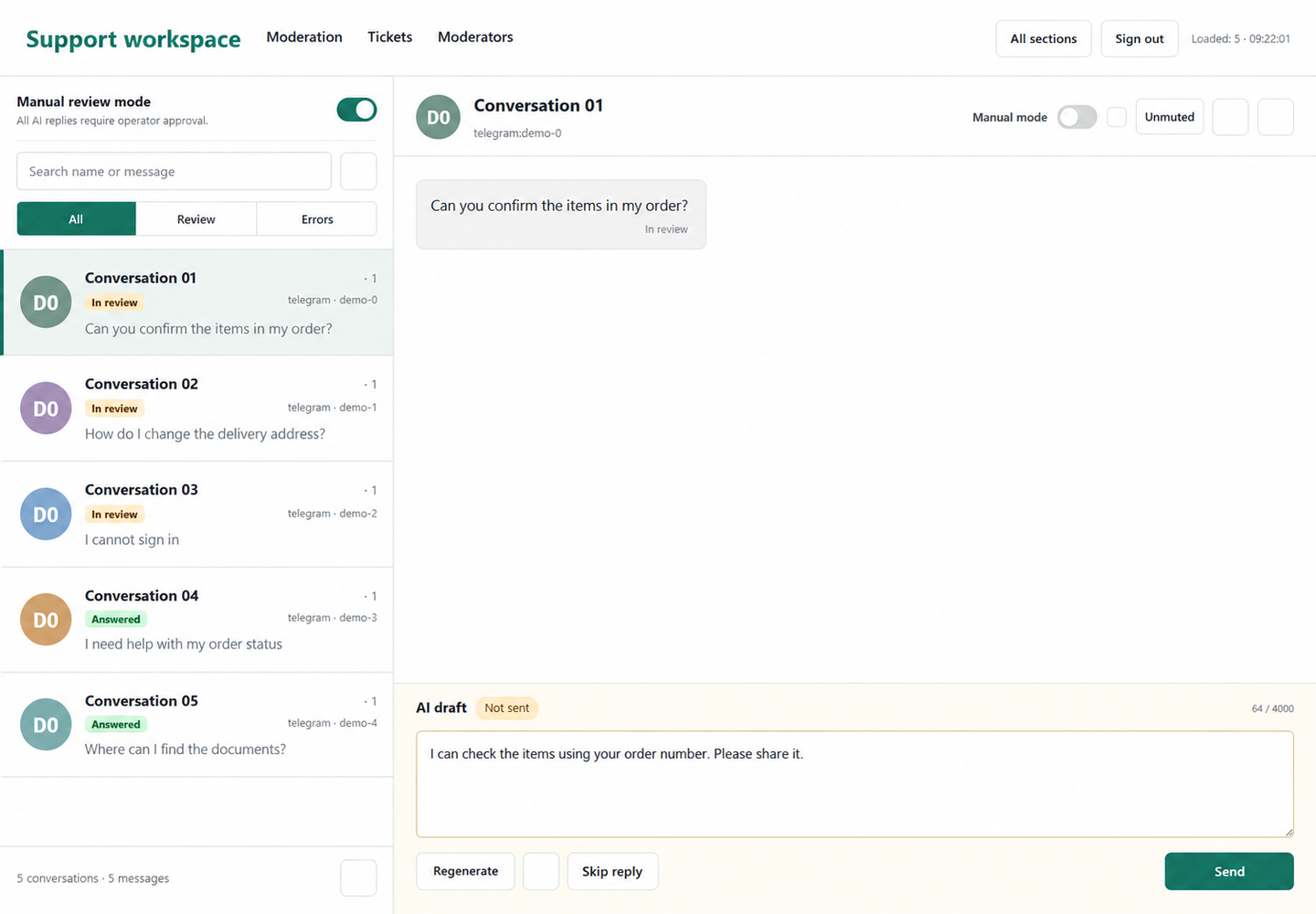 Next case studyAI agent with human oversight