
Find a model
Categories, search and filters lead to the relevant devices.
E-MIR connects an electronics storefront with everyday store operations: catalog browsing, orders, price list updates and payment integrations in one web application.

English portfolio adaptation of the original storefront hero. Product screens below show the public Russian interface.
Connect product search and selection to checkout, and daily store operations to catalog and order management.
A customer chooses a specific device configuration while the store maintains its price, availability and order state. Both sides share a catalog: storefront data, order calculation and price list updates need to move consistently through the system.
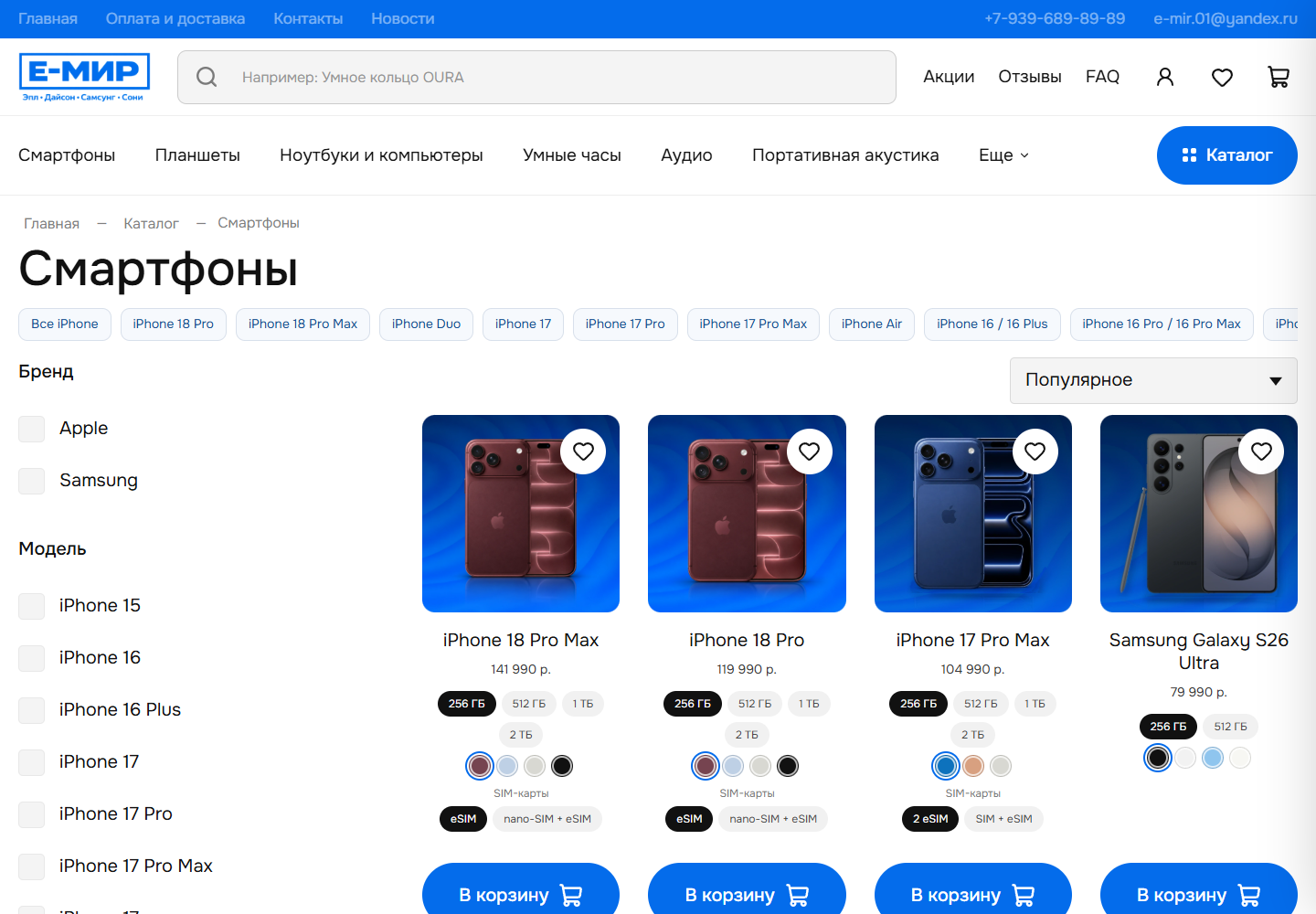
Categories, search and filters lead to the relevant devices.
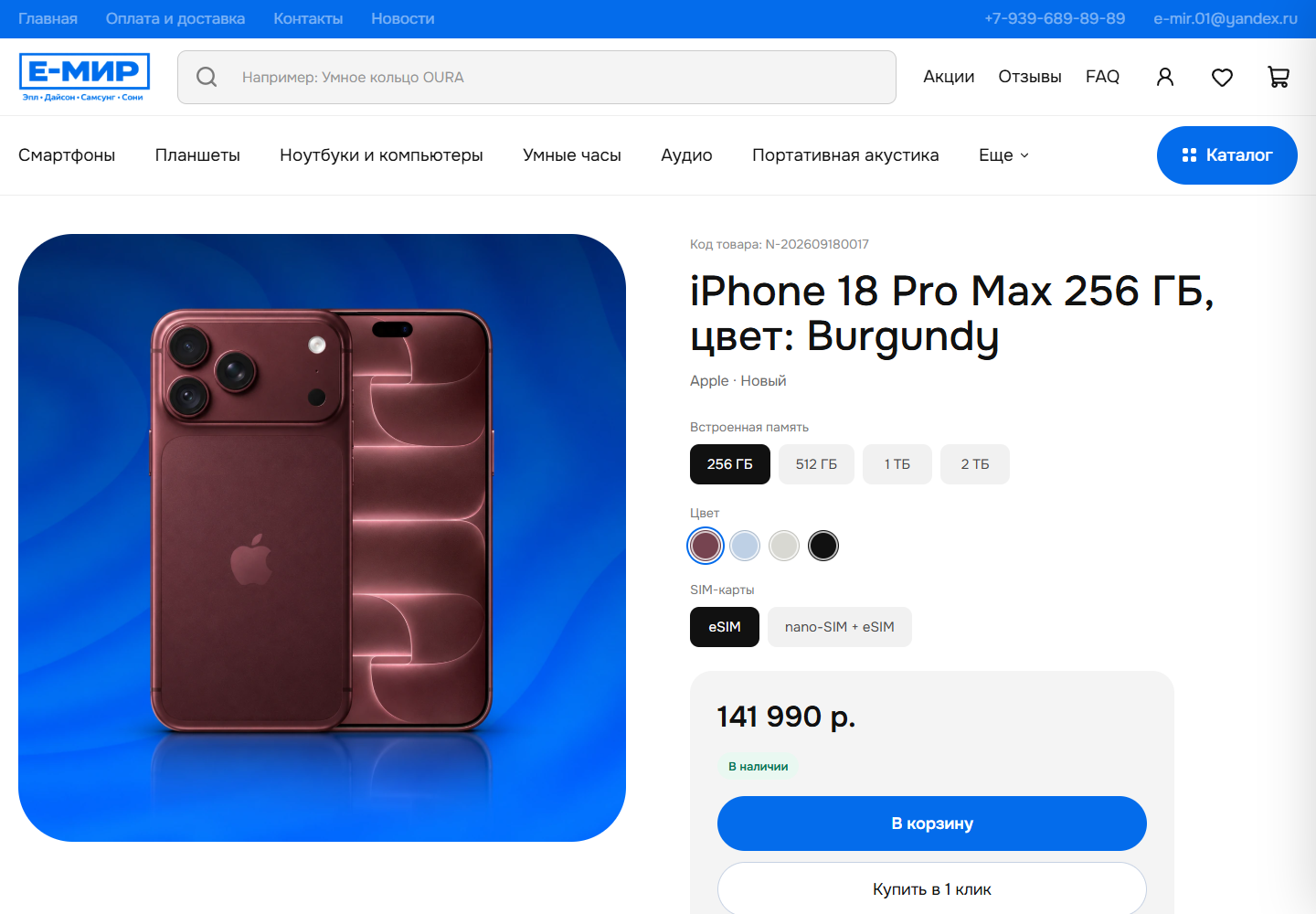
The product page exposes available specifications, price and stock state.
The cart supplies the items; the server validates them and calculates the amount.
The store can manage the order, with implemented integrations connecting payments and fiscal receipts.
The React interface receives categories and products through an API. Search, filters and model pages use device variants, with prices and availability supplied by the catalog. Server-side SEO metadata, structured data and the sitemap make individual product pages part of the site's entry structure.
XLSX import includes a preview and update history. Exported price lists match products by ID, preserving the connection between a price change and its product page. Rollback restores previous values with checks for later changes, while manual edits remain part of the catalog's history.
Update up to 500 WooCommerce price rows →The Go backend checks order items and calculates the amount from catalog data. The implementation includes VTB payment registration and status checks, plus an ATOL receipt queue. These operations belong to the order workflow; their implementation is not presented as evidence of individual customer payments.

Brand and model filters sit beside the product cards. Storage, colour and SIM options are visible in the catalog, with sorting above the list. Original Russian interface from the public storefront; prices and assortment reflect the capture date.

A large image sits beside storage, colour and SIM choices. Price, availability and the cart action follow the selected configuration. Original Russian interface from a public product page, without an account; product information can change.
Implemented an online store with catalog browsing, customer flows and staff tools. The code includes price list imports, order processing, VTB and ATOL integrations. The portfolio shows storefront content and does not disclose customer orders or financial transactions.
Discuss a similar projectSuitable for stores with product variants, spreadsheet-based price updates and a dedicated order and payment workflow.
Visit the project ↗The public storefront is shown. Customer data, orders and financial transactions are not used in the portfolio.
 Next case studyTrading analytics terminal